
What you need
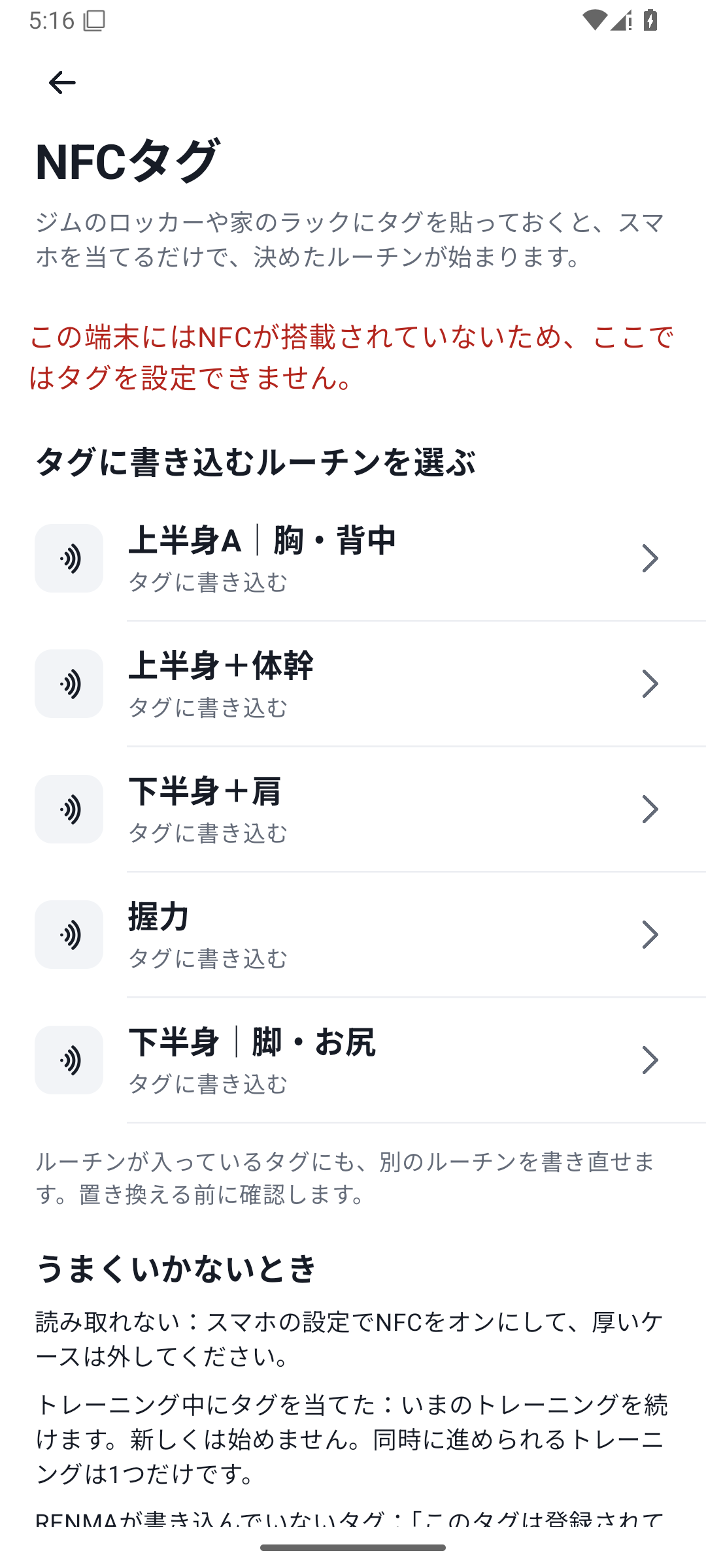
- An Android device with supported, enabled NFC.
- An NFC tag that supports writing.
- A routine already created in RENMA that is not archived.
The tag opens a routine. It does not directly register an individual exercise as its target.
 Enlarge image
How to use it in a workout
Save the routine
Create the routine in “More” → Routines and check that it is not archived.
Open the NFC screen
In “More” → NFC tags, choose a routine. If NFC is off, enable it in Android settings.
Write to the tag
Follow the instructions and hold the tag near the back of the device. If overwriting existing contents, check the target and agree.
Move it away, then bring it close again
Verify the write result and check the completion message.
Try a normal read
Read with the device unlocked and check that the intended routine starts or resumes.
Choose a routine and write it to a tag
Choose a routine in “More” → “NFC tags” and bring the tag near the back of the device. A tag with existing contents prompts for overwrite confirmation, so check it is not a tag used for something else. After writing, move it away and bring it close again to verify the result.
Unlock and hold near the tag
With the device unlocked and NFC enabled, read the registered tag to start or resume its routine. If another workout is in progress, that record is shown instead of starting a duplicate session.
If it does not respond
| State | Action |
|---|---|
| NFC is off | Enable it in Android settings and return |
| Routine deleted or archived | Restore the routine or register the tag with another routine |
| Tag is read-only, too small, or unsupported | Use a supported writable tag |
| Post-write verification is incomplete | Hold near the tag again and check the result before use |
Behavior depends on NFC support, antenna position, and device state. Holding the phone near a tag does not mean it works without unlocking.
Case: a leg-day starting point beside the rack
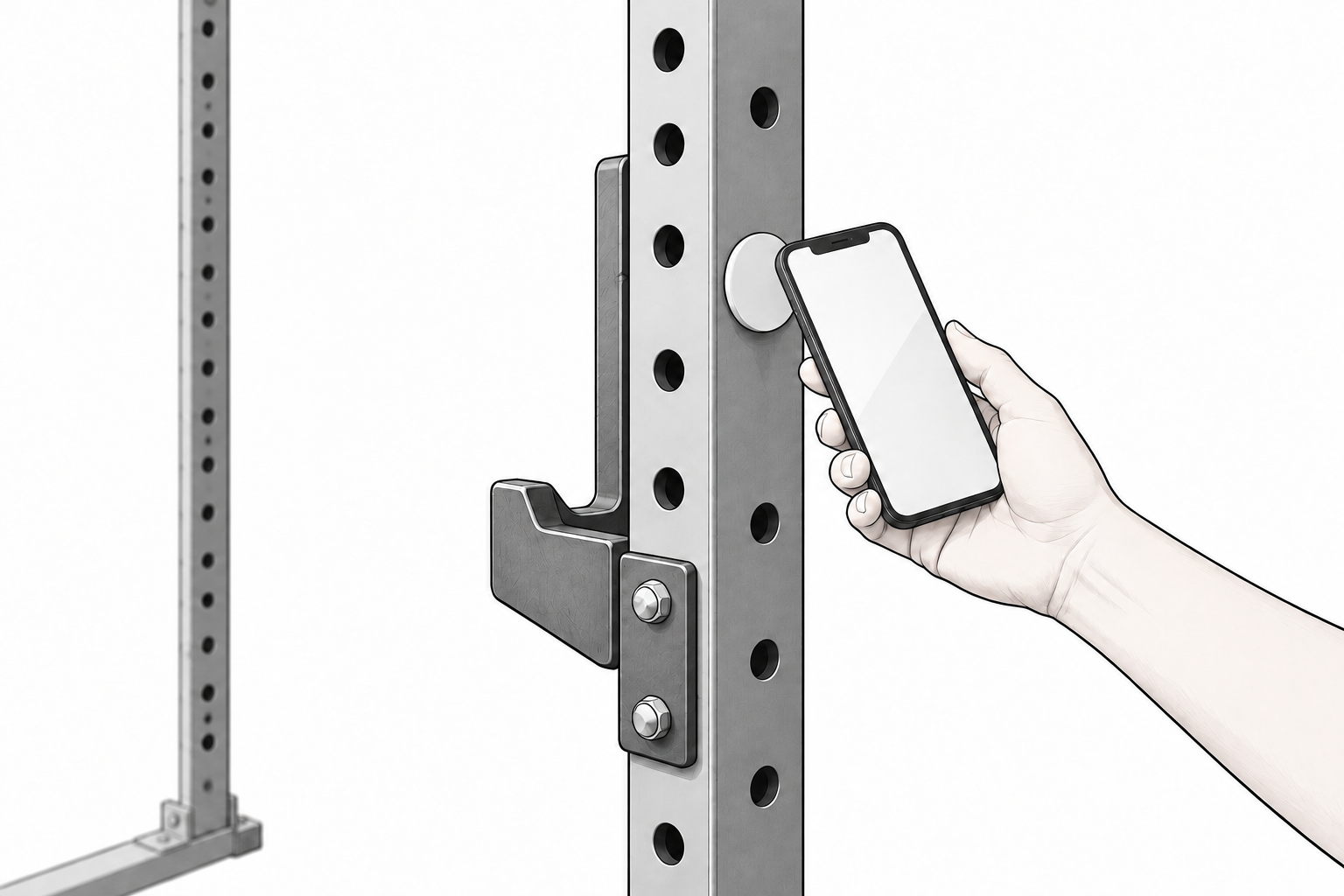
Put a “Leg Day” tag near your home rack. When you are ready, hold your phone near it to load set templates such as Bulgarian split squats. NFC is available with Free too.
Related how-to guides
The screens use sample records to explain the controls.
Updated: October 27, 2026