
Gyms, machines and set conditions
| Information to keep | Where to configure it | Example |
|---|---|---|
| Where you train | Gym | Station branch, gym near work |
| The equipment used | Machine | Chest press A, left cable station |
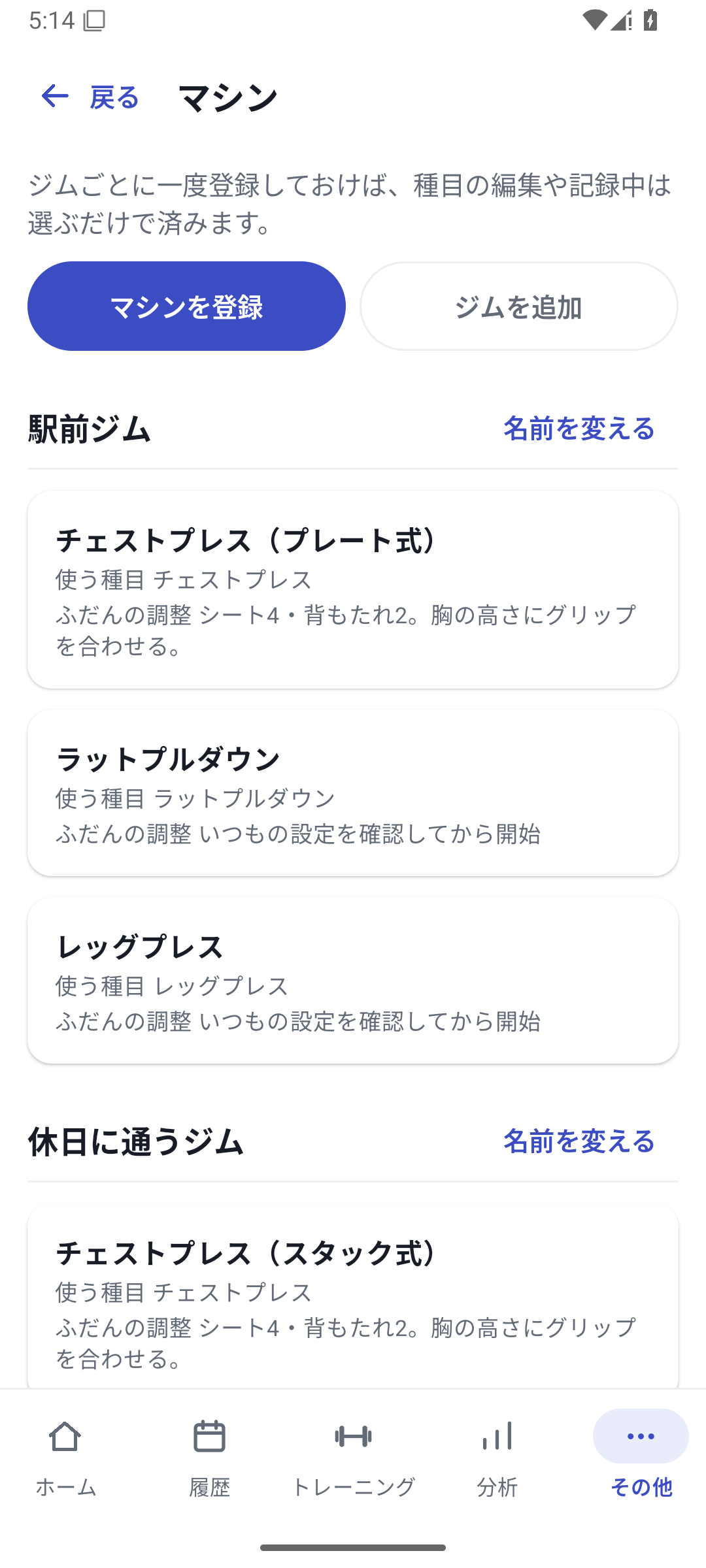
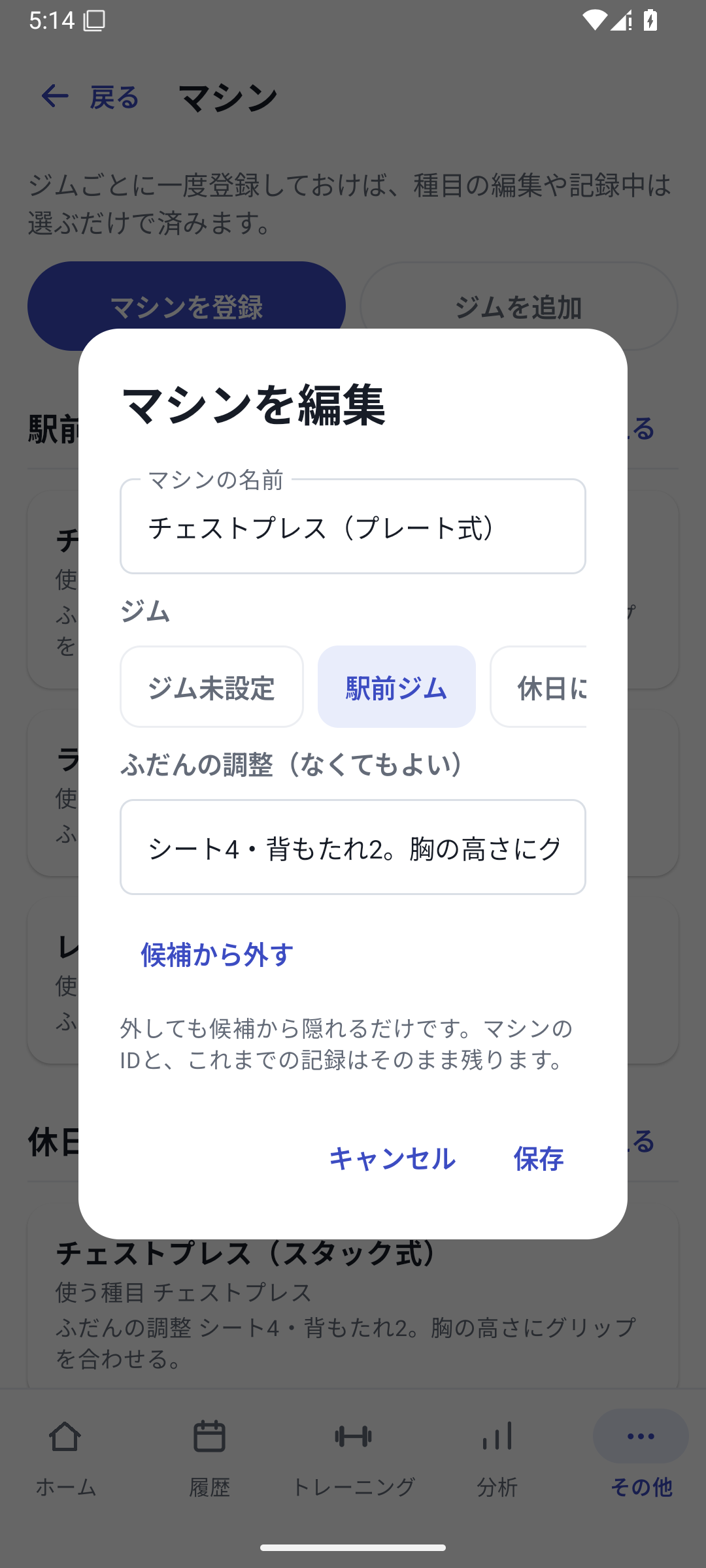
| That day's adjustments | Custom fields | Seat 4, backrest 2, vertical grip |
Rather than putting every setting into the machine name, separate changing values into custom fields so the same conditions are easier to select later.
 Enlarge image
How to use it in a workout
Register a gym
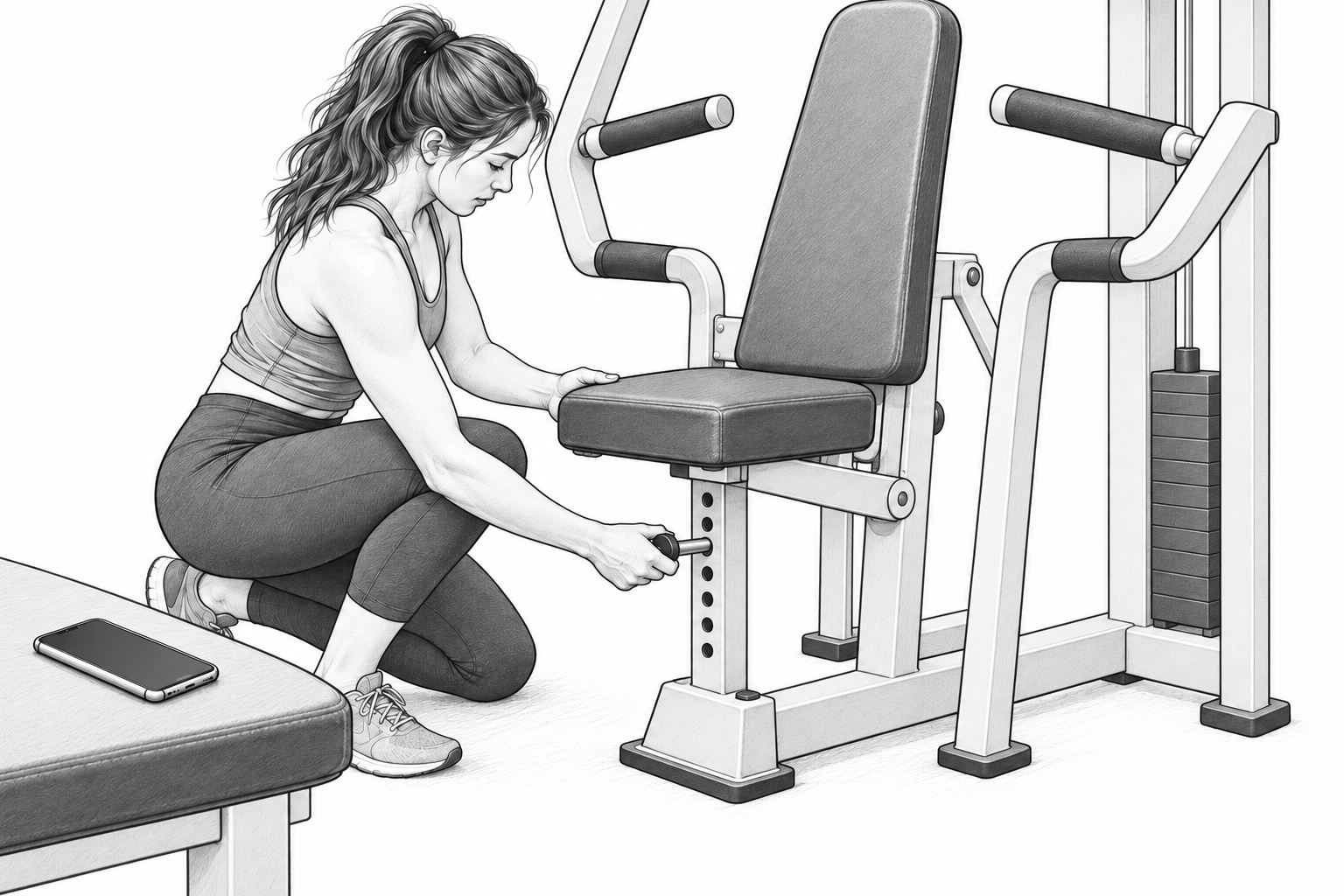
Open More → Machines and register your gyms. Give different locations names that distinguish them.
Register a machine
Add equipment to the gym and save its name and any notes. Machine notes can contain up to 120 characters.
Link it to the exercises you use
Associate the machine in the exercise editor and save the exercise.
Select it in set conditions
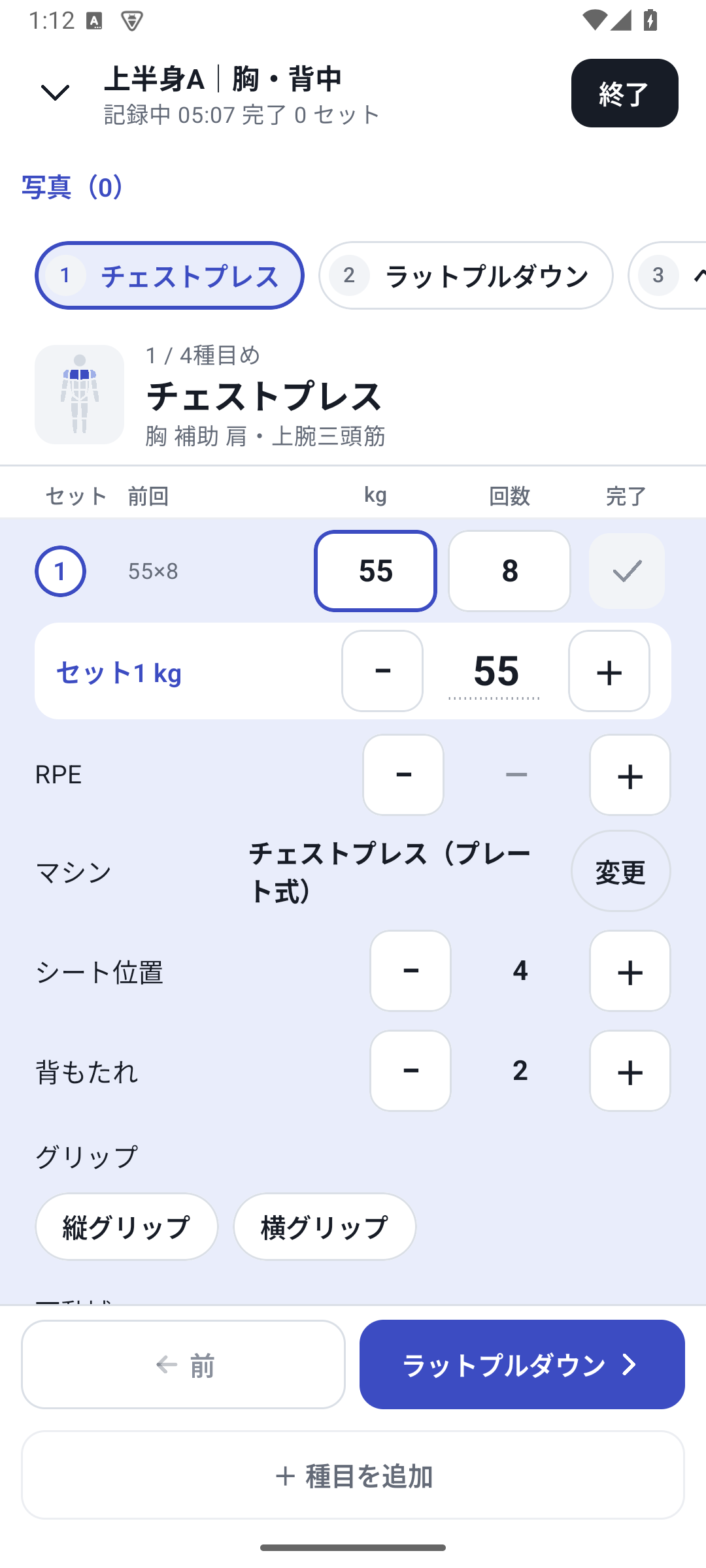
Choose the machine actually used from the workout's condition inputs. Enter custom values too if recording seat position or other details.
Review equipment in history and analysis
After finishing, check the machine name in history and filter analysis to the same equipment.
Choose the equipment for each set
After creating a machine, link it to the relevant exercises. Select it in workout conditions to keep the equipment information on that set. If you change equipment midway, record a different selection for each set.
Registering a machine under a gym does not automatically select it for every set. Linking it to an exercise and choosing it for an actual set are separate actions.
Read progress on each machine
Select the gym and machine name in analysis to filter records to that equipment. Going from 55kg at your usual gym to 45kg at another does not necessarily mean a decline if the machines differ. Compare weight and rep changes within each machine.
Records with no machine selected are treated separately from specified equipment. RENMA does not automatically convert displayed weights on different machines into equivalent loads.
Case: chest presses at two gyms
Register Station branch / Chest press and Main branch / Chest press. Keep one exercise but select the equipment for each set and record seat position too. In analysis, filter to the station branch and return to the day you performed 55kg × 8 reps at seat 4.
New settings and viewing past records
Creating gyms and machines or making new set assignments is available with Pro, Lifetime or the initial free trial. After returning to Free, you can still read and export machine information in saved history.
Related how-to guides
The screens use sample records to explain the controls.
Updated: October 27, 2026