
Save the measurement date and value
Open Bodyweight from “More” and add the date and measurement. You can edit or delete entered values. Saving measurements on their actual dates lets you follow trends in the list and graph.
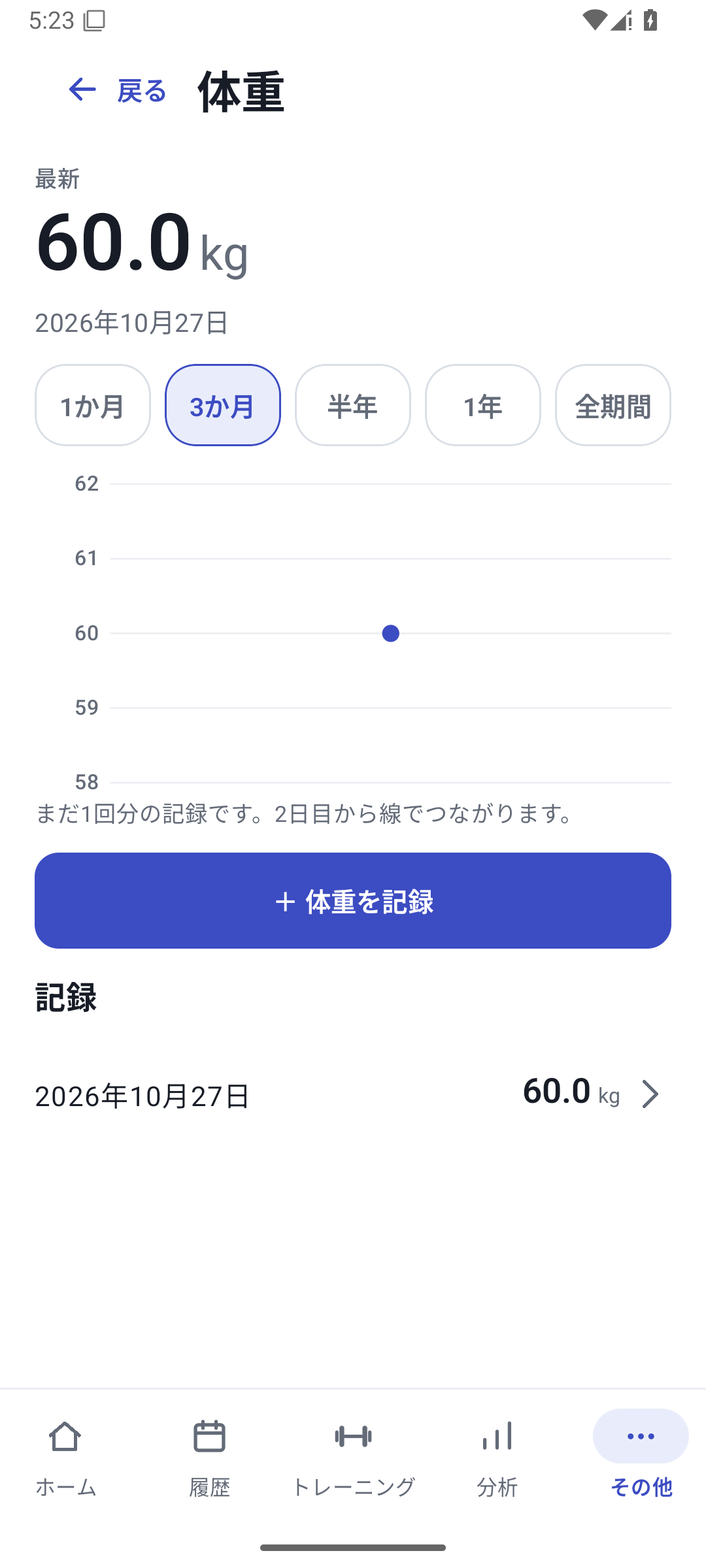 Enlarge image
How to use it in a workout
Open Bodyweight
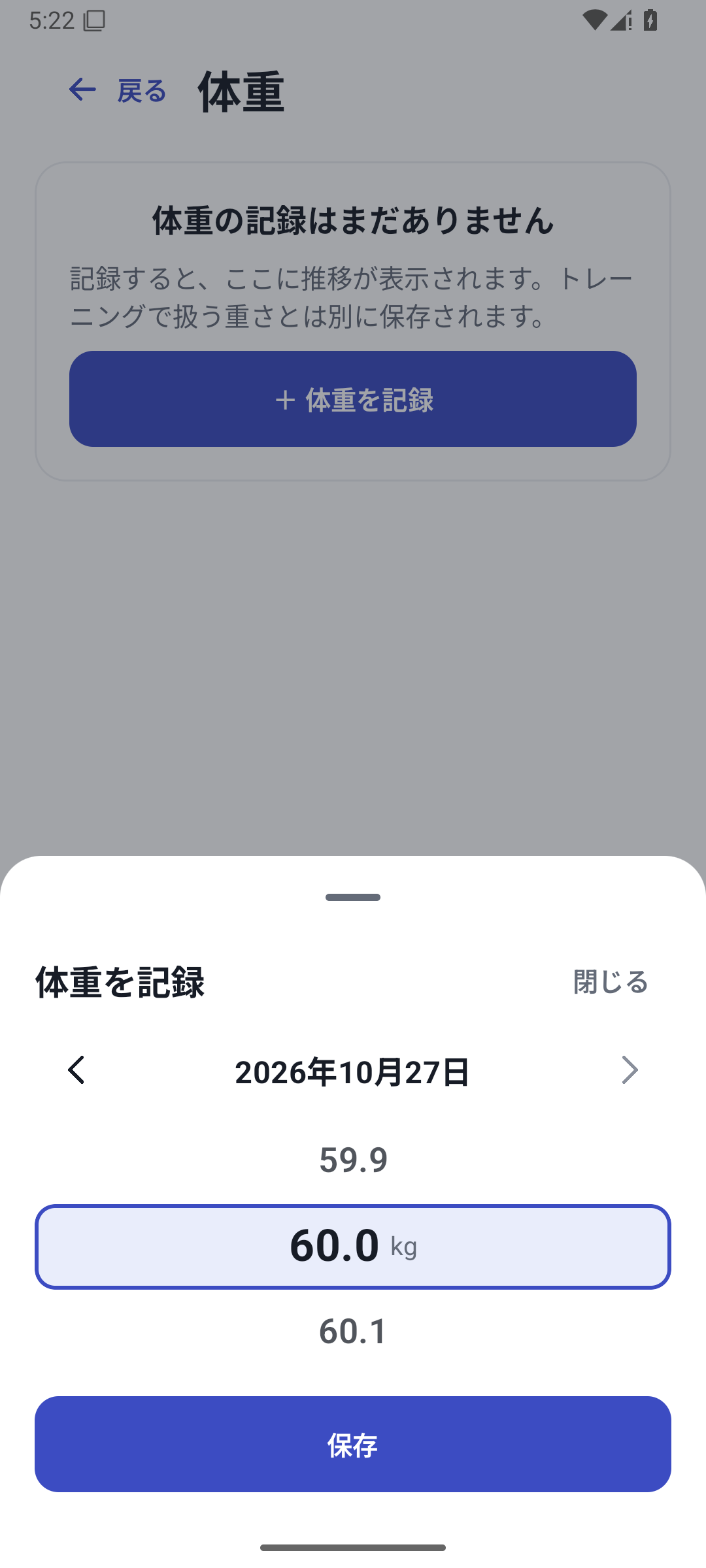
Go to Bodyweight from “More” and choose Add.
Enter the date and measurement
Choose the measurement day, check the displayed unit, and enter the value.
Save and review the trend
Look at the saved day's point or list entry. If a value is wrong, open it to edit or delete it.
Case: consistent measurement trends rather than a single value
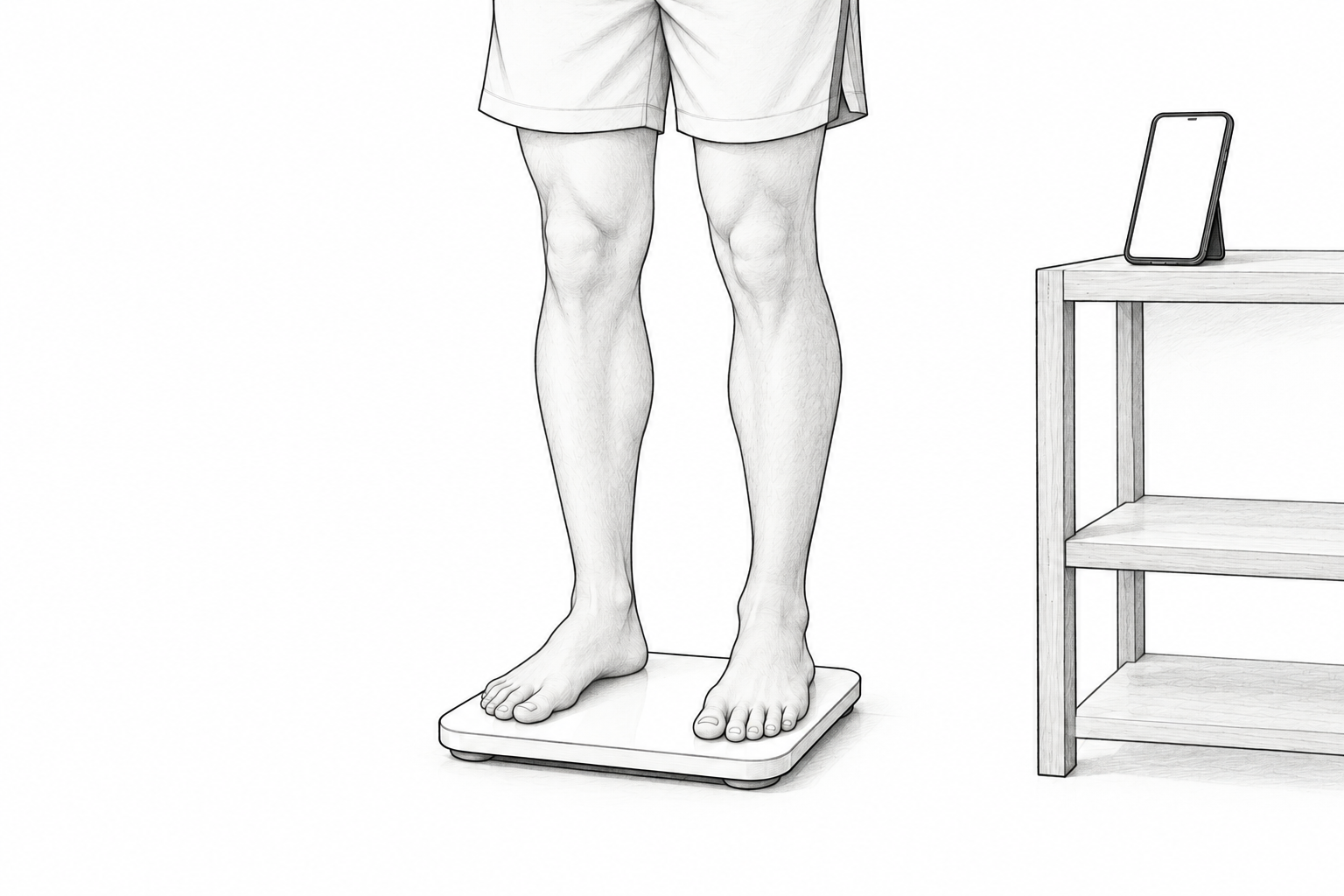
Keep measuring in the morning and review weekly trends alongside training days. Time and clothing can affect the number, so consistent measurement conditions make the records easier to read.
Separate from added weight in bodyweight exercises
Recording bodyweight does not automatically add it to the added-load field of bodyweight exercises. Log pull-up added weight or assistance in the exercise's own fields. Distinguish bodyweight from the load used.
Use a backup when changing devices
To retain bodyweight too, distinguish a complete backup from an ordinary CSV or Bridge migration file. After restoring, check representative dates and measurements. Bodyweight recording is available with Free.
Related how-to guides
The screens use sample records to explain the controls.
Updated: October 27, 2026