
Find exercises by name or muscle group
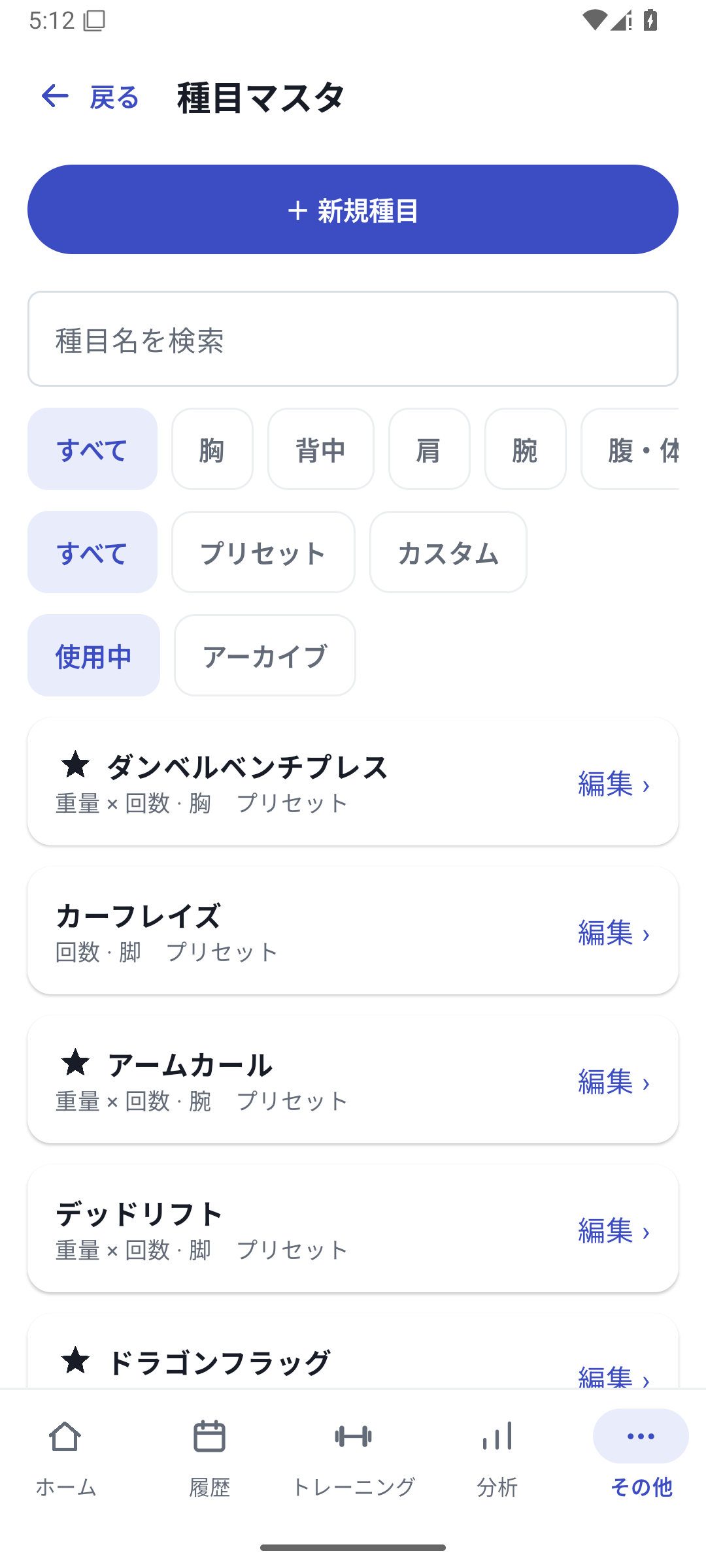
Search by name and filter by muscle group on the exercise selection screen. Favorite exercises you use often to avoid searching a long list each time. Add missing exercises through New exercise.
 Enlarge image
How to use it in a workout
Find an exercise
Search for its name on the add-exercise screen, filter by muscle group if needed, then select it.
Create it if it is missing
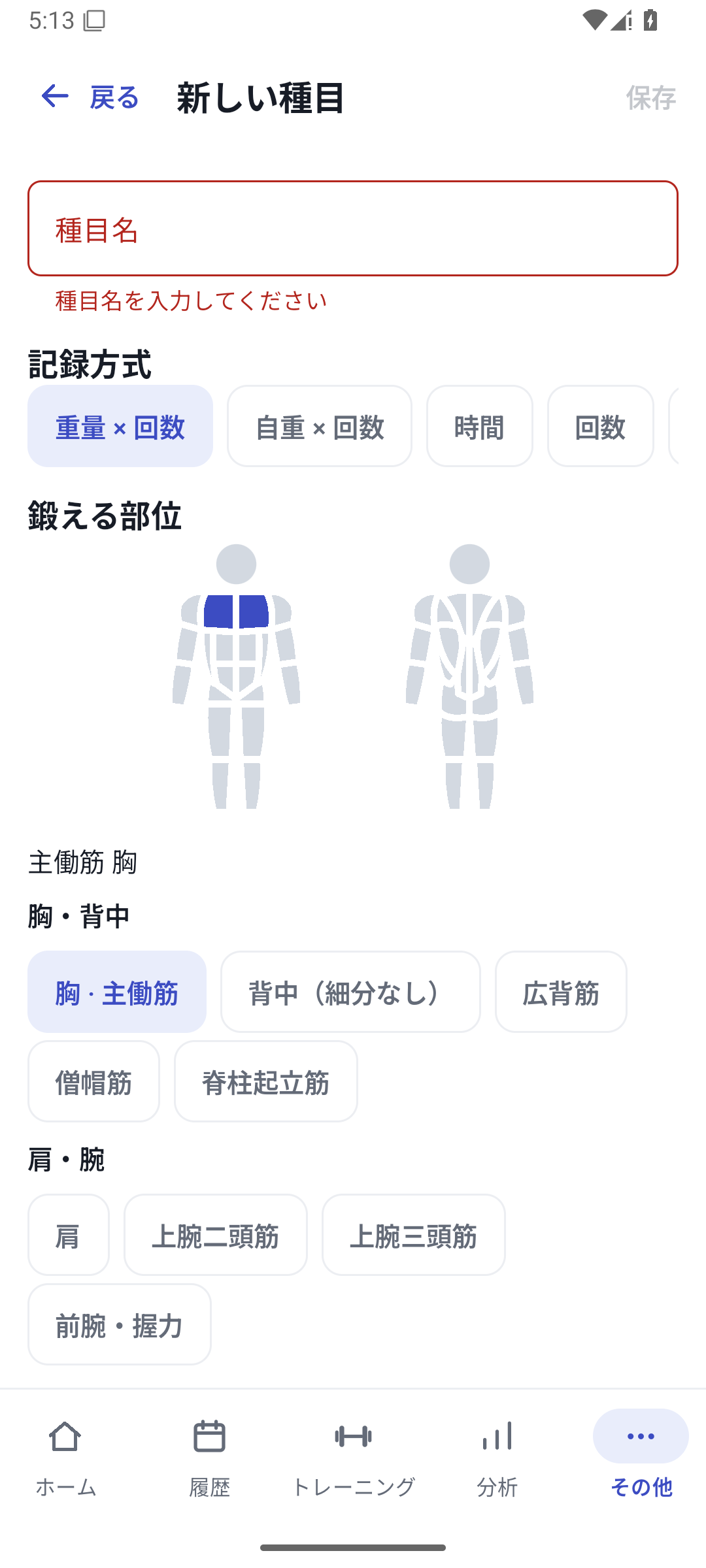
Open Add from More → Exercises, then enter the name, tracking type and muscle groups.
Enter defaults and save
Set weight, reps and increments, then save. If you also add custom fields, continue through saving the whole exercise.
Organize the selection list
Favorite exercises you use often and archive ones you do not need. Restore them from management when needed.
Choose a tracking method and create your own exercise
Create custom machine exercises or names by defining their name, tracking type and muscle groups. Basic exercise creation is Free, with no plan limit on the number created. New custom-field and machine settings have separate Pro requirements.
For a one-arm row recorded by side, choose Independent left/right; for a hold, choose Weight × time. Once an exercise has history, its tracking type cannot change, so decide which values to keep when creating it.
Defaults and drafts
Set your usual weight, reps and increments to give input a consistent starting point. These settings do not create completed results. If you leave the exercise editor midway, distinguish resuming a draft from formally saving it.
Archive exercises you no longer use
Archive an exercise you are not using instead of deleting its history. Remove it from new selections and restore it when needed. This organizes your list while retaining past records.
Case: separating different equipment
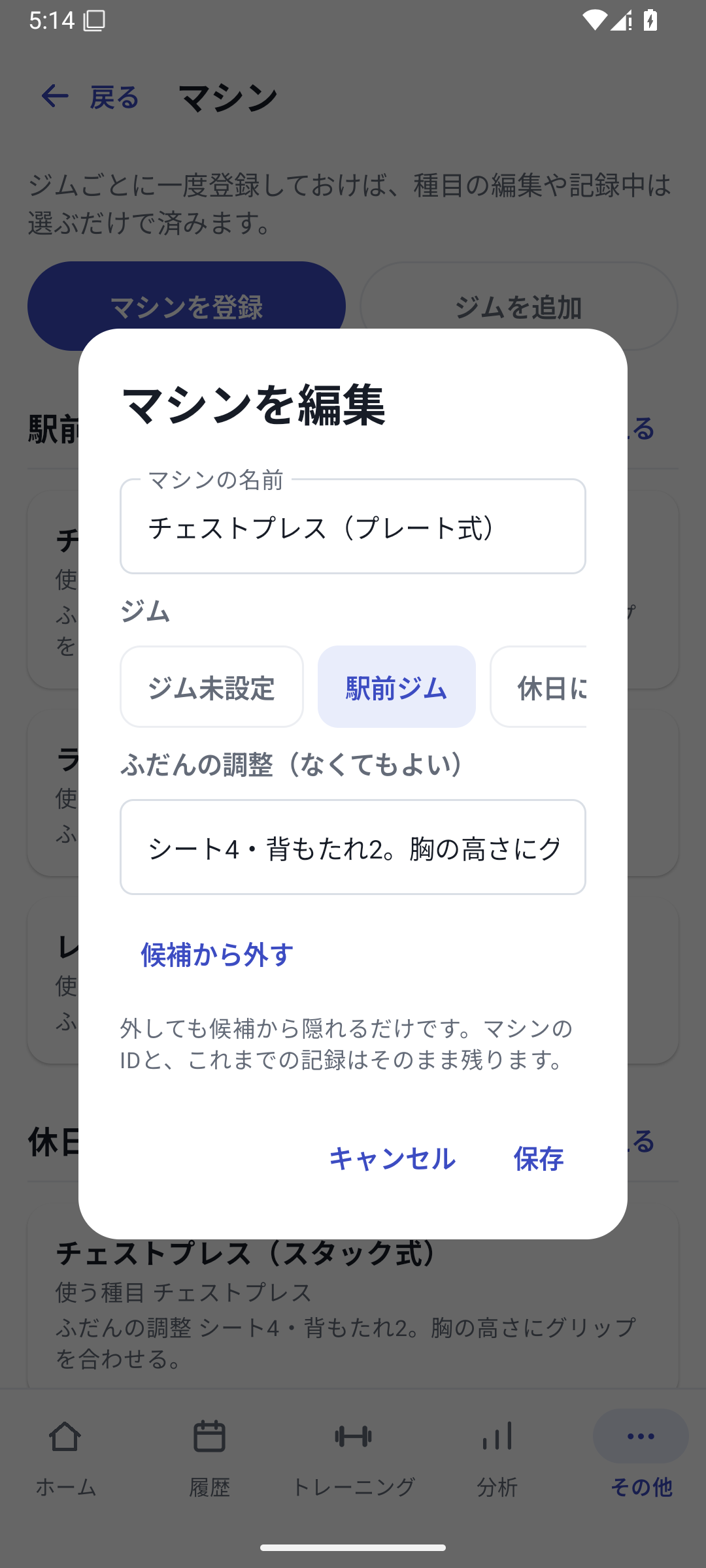
If only the equipment differs within Weight × reps, distinguish it through machine registration. If changing the tracking method to Weight × time, create a different exercise. Keeping tracking types consistent and separating equipment through machine settings makes the same exercise easier to follow in analysis.
Related how-to guides
The screens use sample records to explain the controls.
Updated: October 27, 2026