
Choose an output format
| Format | When to use it | Purpose |
|---|---|---|
| CSV | Create lists and summaries in spreadsheet software | Take selected records and fields out as a table |
| JSON | Work with structured data | Ordinary data export. The extension alone does not guarantee that it can be reimported |
| AI / Bridge Export Pack | Ask an external AI to convert data or prepare a setup | Conversion guide, examples, selected context, and current setup |
| Backup | Device migration or restoration | A restore file separate from ordinary exports |
Choose outgoing fields to match your purpose. To restore all data including photos and bodyweight, use a backup rather than an ordinary CSV.
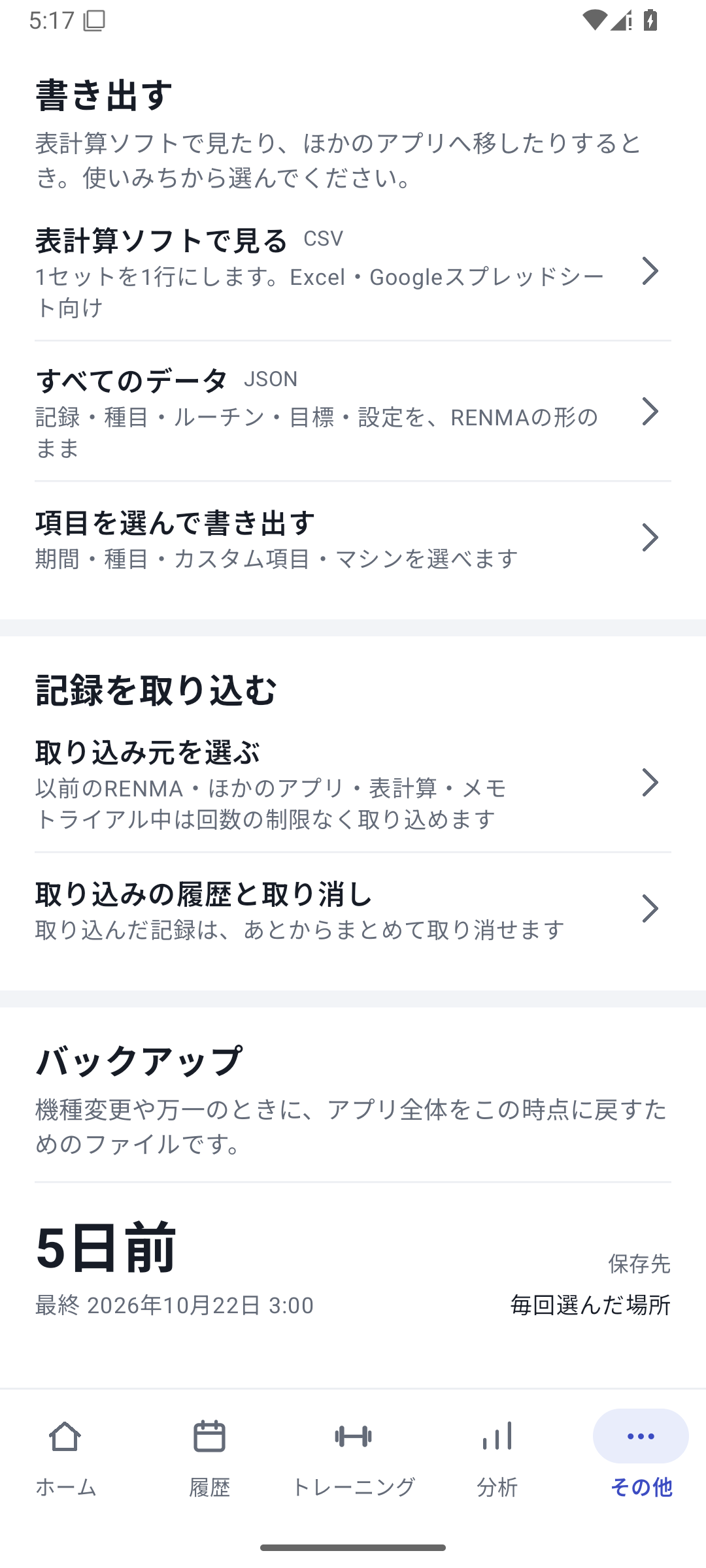 Enlarge image
How to use it in a workout
Open Export Builder
Go to “More” → “Export” → “Choose fields to export”.
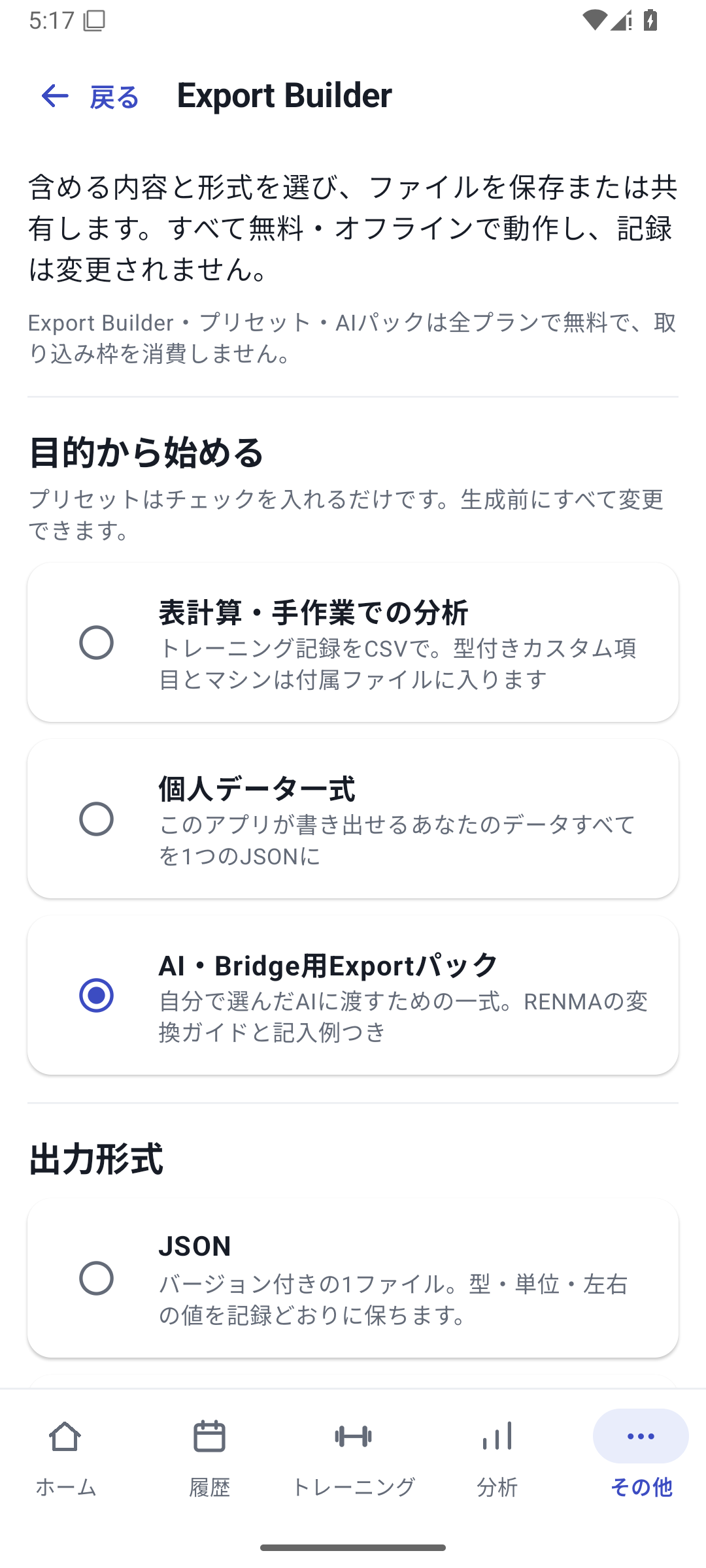
Choose purpose and format
Select a preset such as CSV, JSON, or AI Pack.
Choose the period and fields
Select the records and columns you need this time. Check what is excluded too. AI Pack has fixed components such as guides.
Generate and save
Choose a save destination from the generated result. Remember the file name and where you saved it.
Open and use the contents
Open the CSV in a spreadsheet, or open the documents inside AI Pack to check they suit your purpose. If sharing, choose which fields to give the recipient.
Start with a preset and adjust the fields
In Export Builder, select a preset and check the format, scope, and fields before generating. A preset is a starting point. Do not assume from its name that it is a complete backup or includes every field; check the selected contents.
Gather the documents for AI
AI Pack gathers RENMA information for an external AI you choose. The conversion guide, examples, and current state help explain how the data relates to existing exercises and definitions.
Current setup information is reference material for the AI. It is not a file to modify freely and then apply directly as settings. Ask the AI to create a supported import file and read it in RENMA's preview.
Case: a table for your coach and documents for your own migration
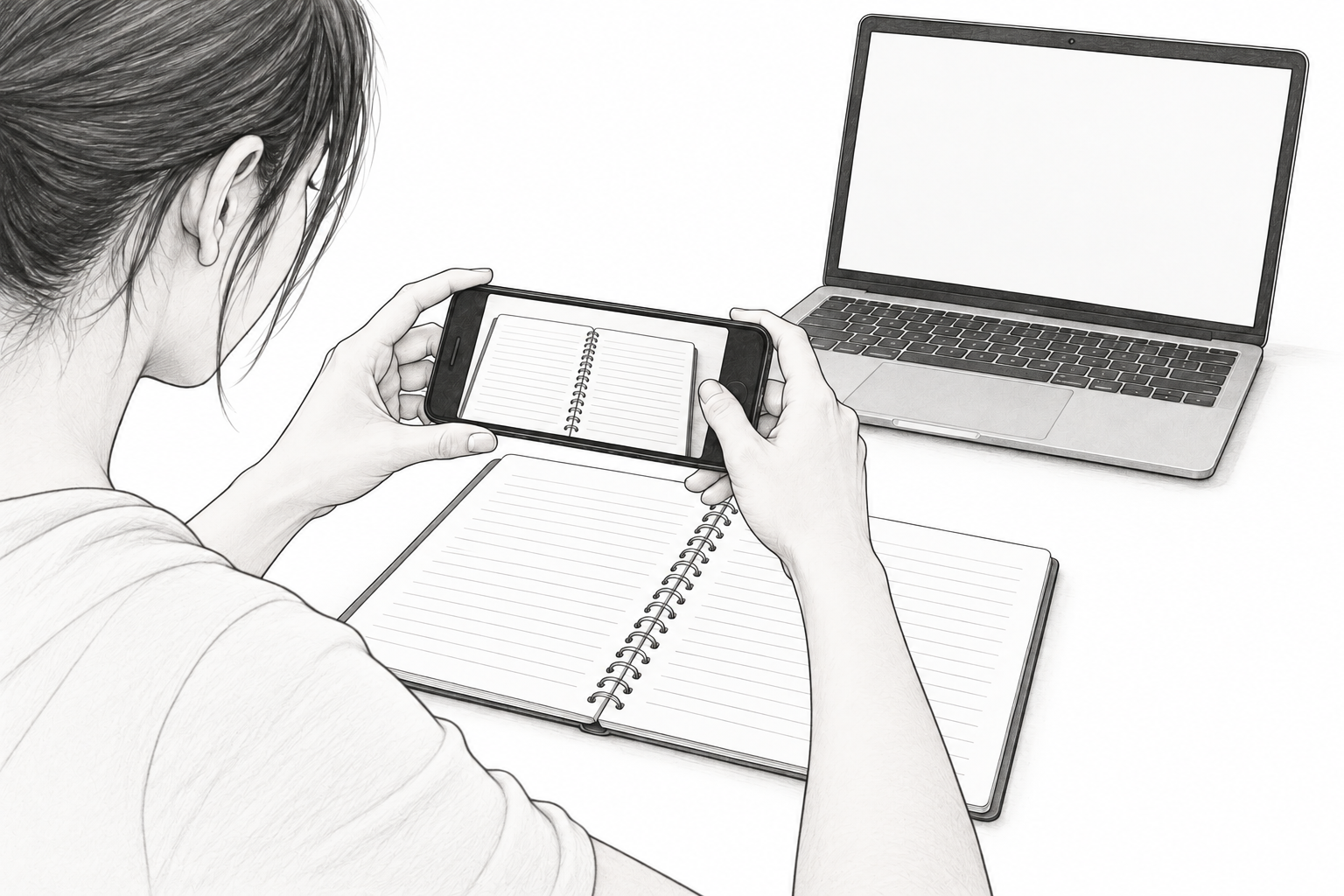
Give your coach a CSV of weight and reps for the selected period. To migrate old notebooks, give the AI the AI Pack conversion documents and notebook images. Choose different records and fields for each purpose.
Export with Free
Ordinary CSV, JSON, and selective export are available with Free. Saved custom values and machine information can also be exported. AI service fees are separate from RENMA, and this feature does not automatically send data to an external AI.
Related how-to guides
The screens use sample records to explain the controls.
Updated: October 27, 2026