
Case: keep the difference when one side's reps drop
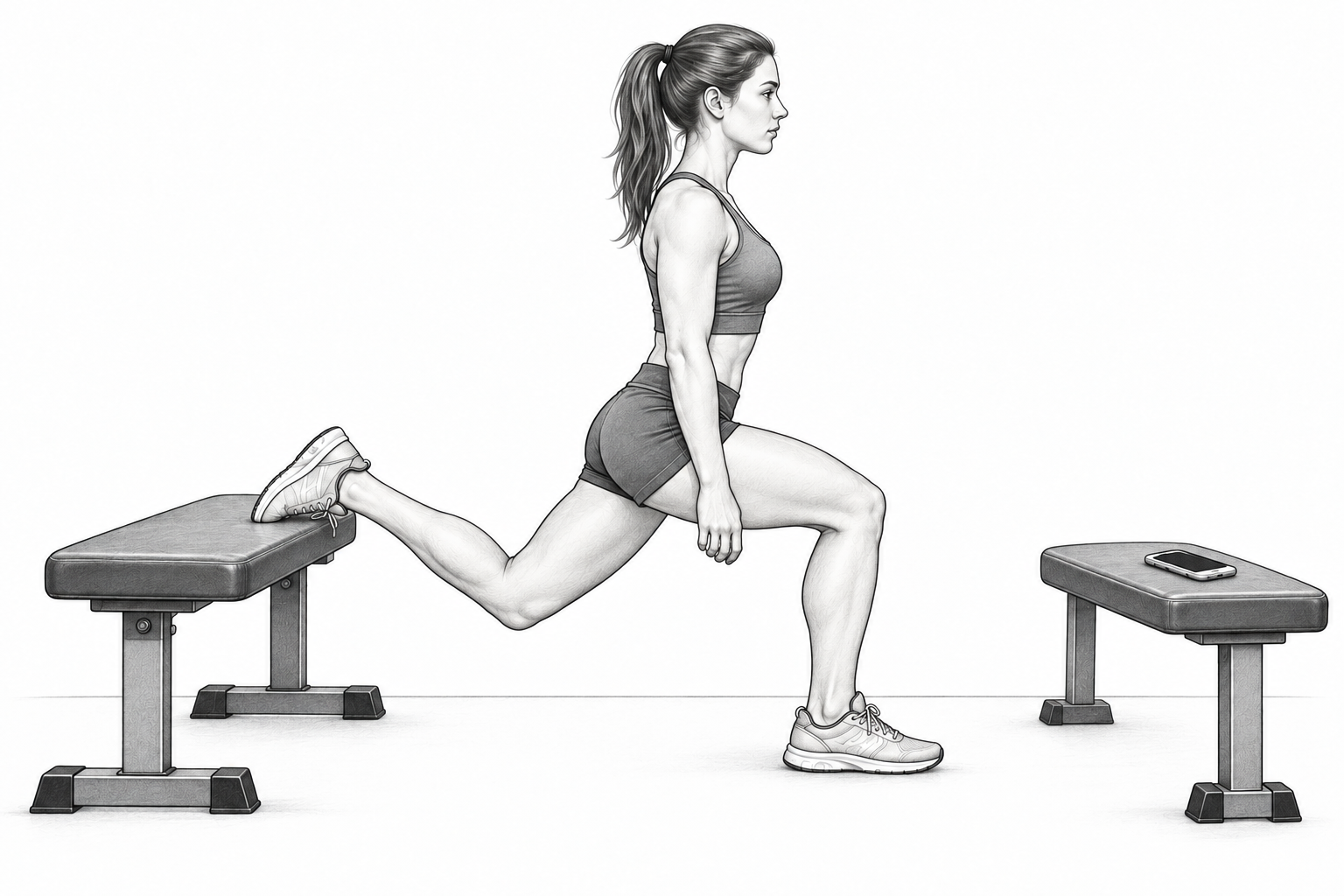
In a Bulgarian split squat, you do 20 kg for 10 reps on the left and 20 kg for 8 on the right. A total of 18 reps does not show what happened on each side. Independent left/right tracking saves left weight, left reps, right weight, and right reps in one set.
Prepare an independent left/right exercise
Choose the tracking type
Create a new exercise and choose Independent left/right. An ordinary weight exercise with existing history cannot be changed directly to this tracking type.
Set defaults for each side
Save usual weight and reps as a starting point. Both sides do not have to match.
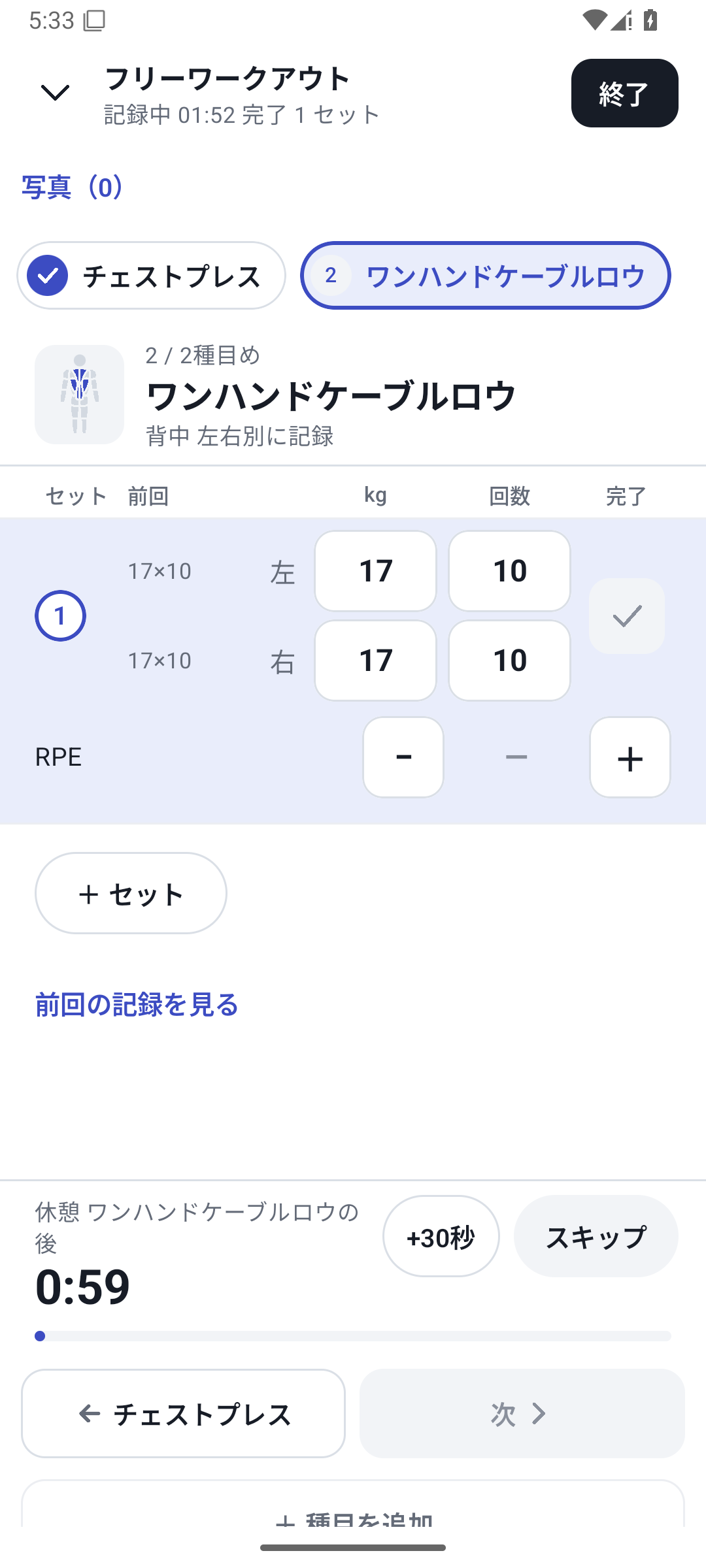
Enter the values you actually performed
Check the 4 side-specific fields, enter values, and complete the set. Do not fill an unknown side with 0 or the opposite side's value.
 Enlarge image
Case: more right-side reps at the same weight
| Day | Left | Right | What to check next time |
|---|---|---|---|
| Previous | 20 kg × 10 reps | 20 kg × 8 reps | Continue with consistent weight and technique |
| Current | 20 kg × 10 reps | 20 kg × 9 reps | Follow right-side rep changes in History |
Use a consistent meaning for your numbers, such as weight per hand or total equipment weight. This also works for exercises performed one side at a time, such as single-leg machines or one-arm rows.
Review sides, differences, and reps
Switch between left, right, difference, and rep views in Analysis. Compare records using the same equipment and conditions, and return to original sets to read technique notes on days of interest.
Basic side-specific logging with Free
Left/right weight and reps, history, and basic analysis are available with Free. Combining custom fields for seat or technique or assigning a new machine has separate Pro requirements.
Setup and operation
The screens use sample records to explain the controls.
Updated: October 27, 2026