
Distinguish three kinds of values
| Value | Purpose | What to do in today's record |
|---|---|---|
| Exercise defaults | Your usual starting point | Change to actual values |
| Routine set templates | Planned structure and values | Complete only performed sets |
| Previous results | Records of what you did before | Read what differs this time |
Loading a template differs from reading the previous record and saving this workout's actual results.
Case: adding 2.5 kg to chest press
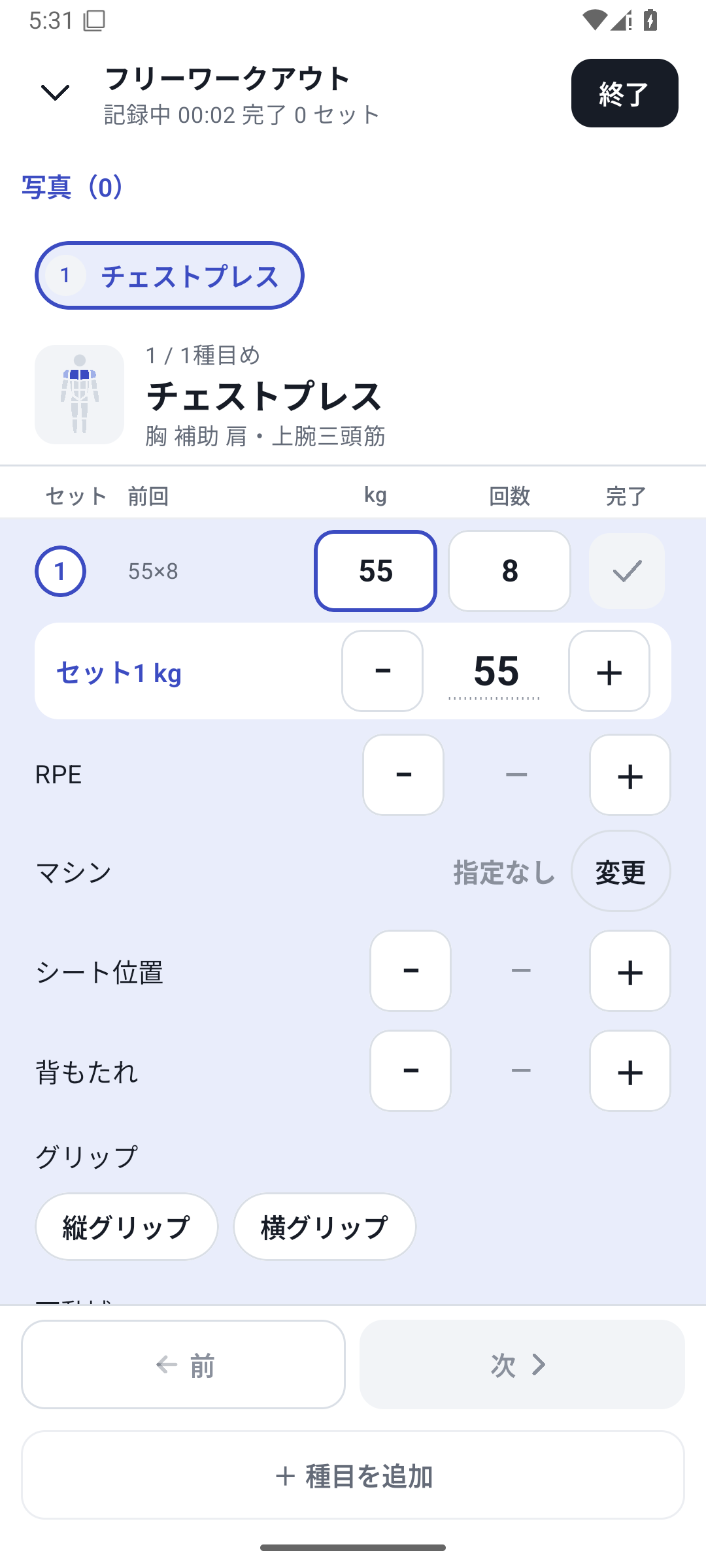
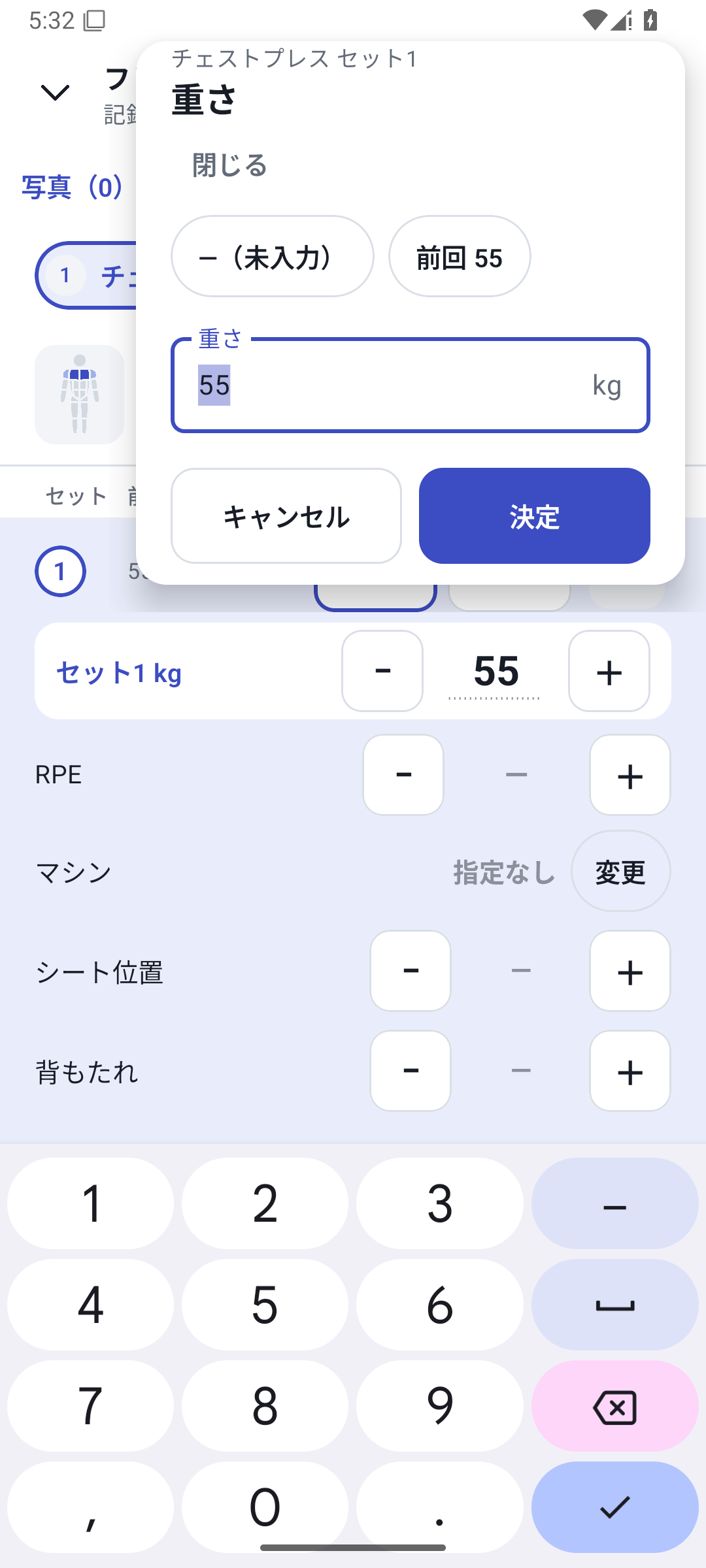
Start Upper Body A and look at the previous 52.5 kg × 10 reps. Today, change to 55 kg, enter the actual 8 reps, and complete the set. After adding sets, check weight, reps, and conditions and change what needs changing. This reduces retyping the same values one at a time.
Reuse the structure for a day you forgot to log
When adding a past record, use a routine or recent record as a template. Choose what to copy and how to handle its values, change it to what you actually did that day, and save. This does not automatically generate completed workouts for untrained days from a weekly schedule.
When also carrying over conditions
With Pro, custom fields and machines can also be carried over through supported condition-copying operations. This does not unconditionally overwrite values already entered in later sets. Free lets you read saved past values, which differs from continuing to enter paid-feature values in new sets.
Read the changes after logging
Compare previous and current records in History and open strength, volume, and RPE trends. If equipment or technique changed, read those conditions too rather than judging the session from a single number such as a heavier weight.
Setup and operation
The screens use sample records to explain the controls.
Updated: October 27, 2026